
sbox
Early accessCopy on your PC, paste on your phone.
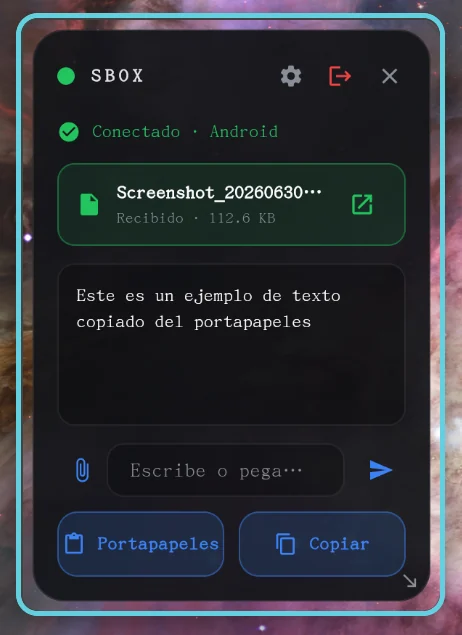
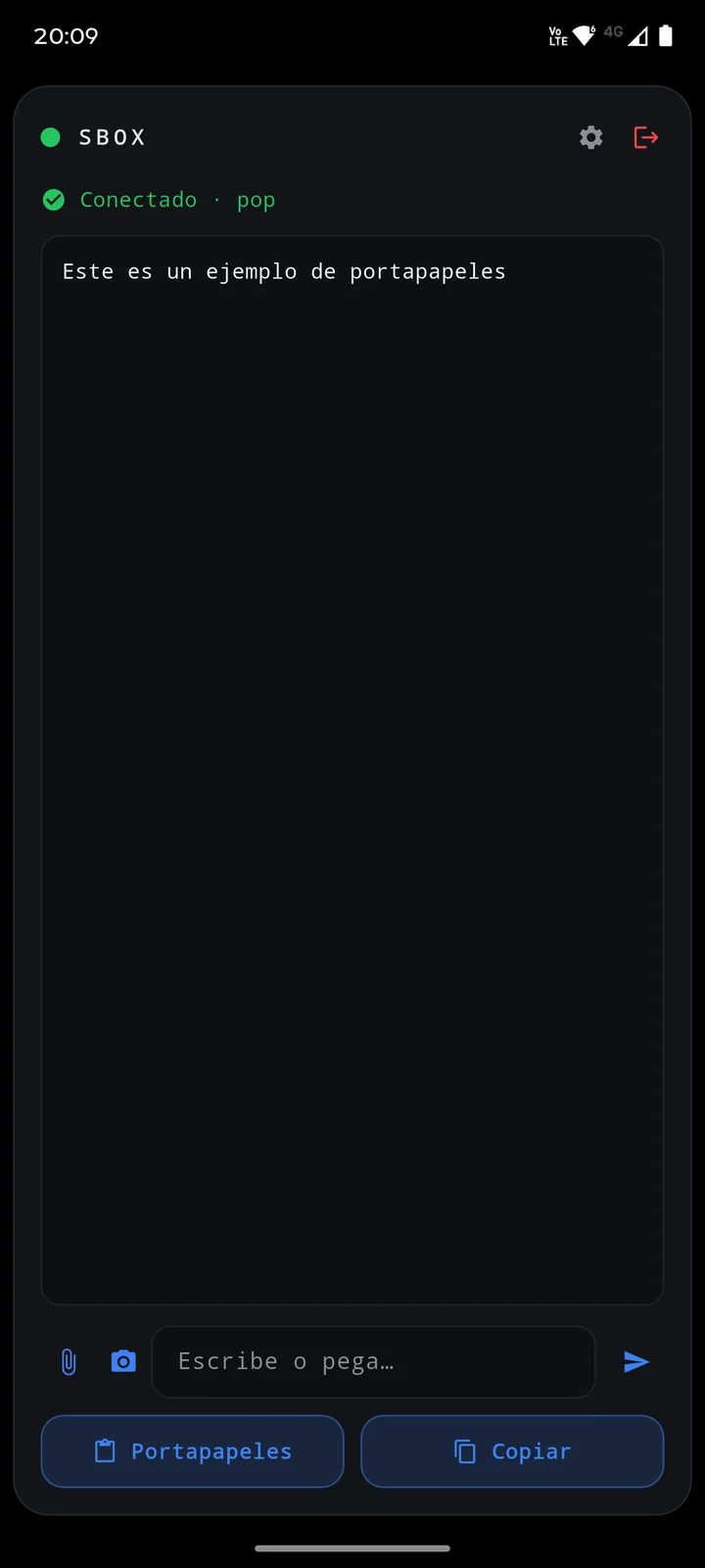
sbox is a universal clipboard between your Linux PC and your Android. Copy a text or send a file on one device and it shows up on the other — straight over your Wi-Fi, with no accounts and no cloud. Pair them once with a 6-digit code and they reconnect on their own.
Key advantages
- Text and files, instantly, between PC and phone
- No server, no accounts, nothing goes to the cloud
- Pair once with a 6-digit code; they reconnect automatically
- Android home-screen widget and a floating box on the desktop
- Send files with the paperclip button or “Share” from any app
- Your clipboard is ephemeral: only the latest item is kept
Gallery
How to try it on a phone
Join the free early-access group
The same Google account used for installing must be used. It takes a minute.

Install it from Google Play
Open the listing and tap Install, as with any other app.

Links
Downloads
Linux
Windows
Under the hood
A serverless, accountless universal clipboard: mDNS discovery and a WebSocket P2P channel over the LAN, pairing with a 6-digit code, text/file/image transfer and a frameless always-on-top desktop box. One Flutter codebase for Linux desktop and Android.
A project like this, for your business
Apps and systems like this are designed and built end to end. Describing the need is enough to receive a proposal.